A price change reaches the page as you save it
Build the page from sections, type into it as you go, and publish when it reads right. The activities on it are the ones you have marked bookable online.
Without it
A shop's site was built four years ago by somebody who has moved away. It lists a trip that stopped running in 2024 at a price from 2023, and changing either costs more than the change is worth. So the page stays wrong and the phone rings instead.
What Seascape does
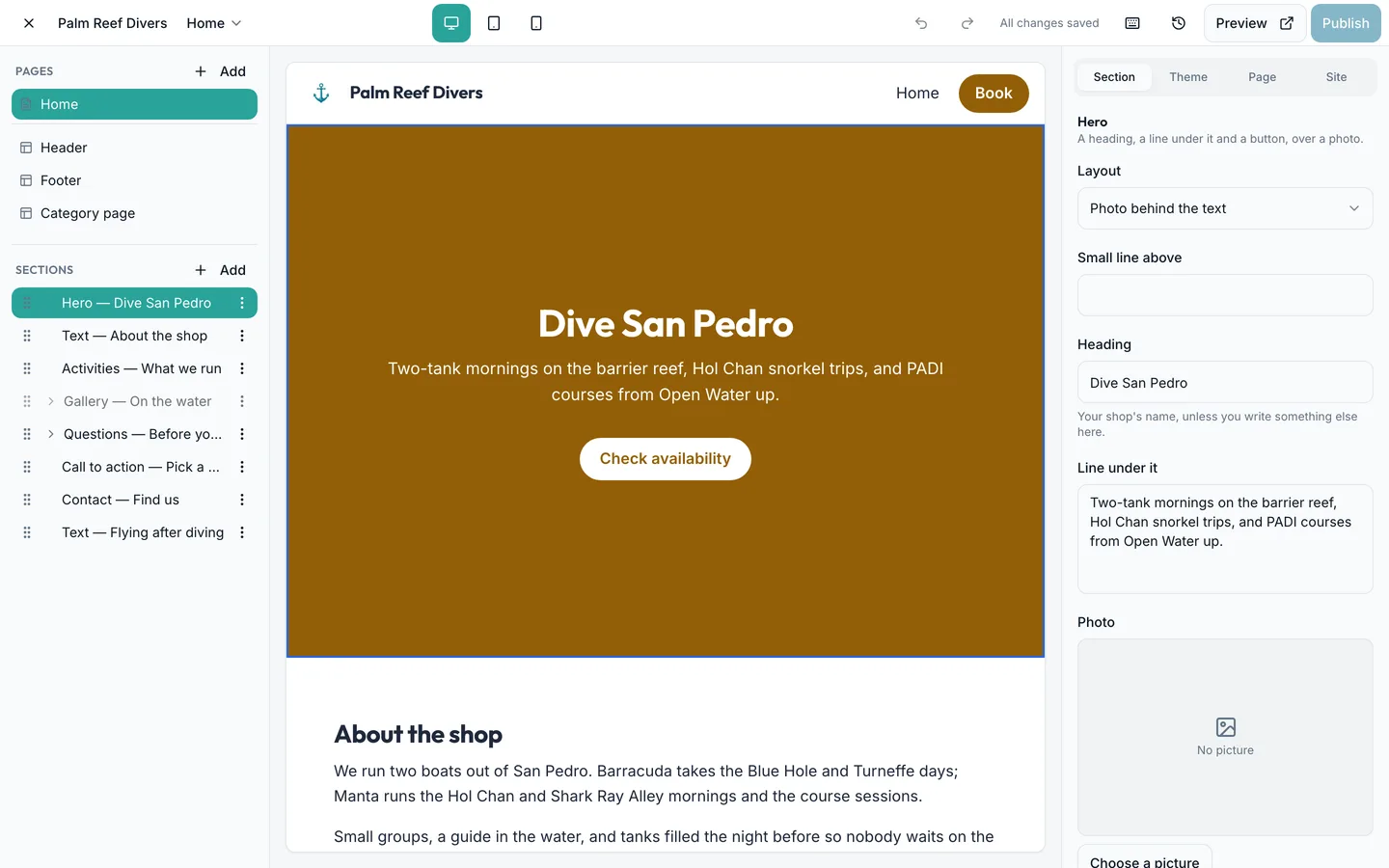
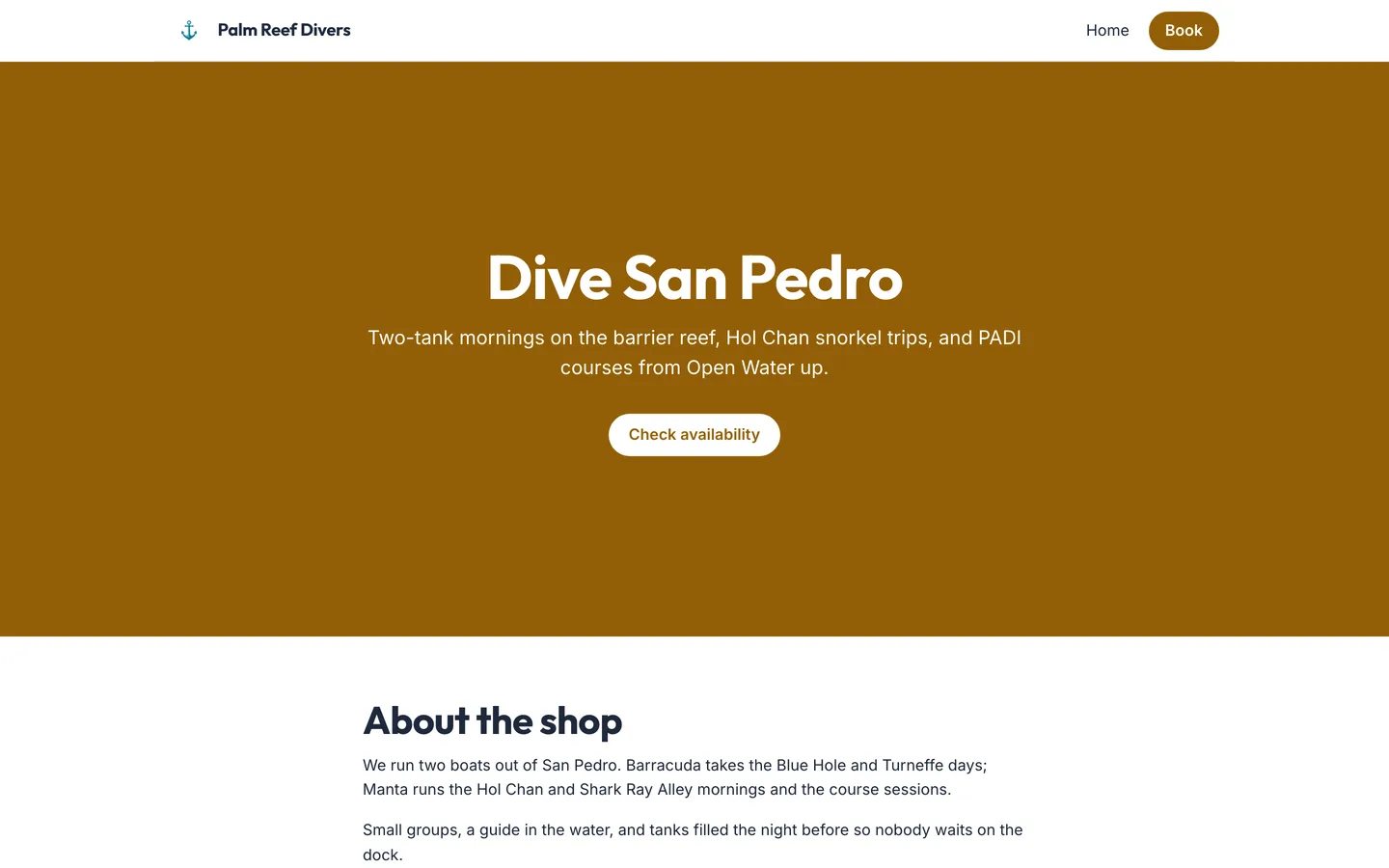
Add a section, pick a layout, and write straight into the page. What you are looking at while you type is your own site, at the width you chose. Choose one of three looks, set your colours and your fonts, and your booking pages take the same colour. Upload your pictures once and use them anywhere. The activities come from your catalogue, so a price you change on Tuesday is the price the page shows on Tuesday. Work on a draft nobody else can see, send somebody a preview link, publish when it reads right, and go back to an earlier version if you need to.
- The page shows the prices you set this morning.
- A draft saves as you type, and nobody sees it until you publish.
- An enquiry from the page reaches the inbox you already read.
What is included
- Sections for a hero, your activities, a gallery, an FAQ, a contact form and more
- A ready-made layout for each one, so a section arrives looking finished
- Write on the page itself, at desktop, tablet or phone width
- Three looks, your own colours and a pair of fonts — your booking pages take the colour too
- A pictures library: upload once, use anywhere, crop to what matters
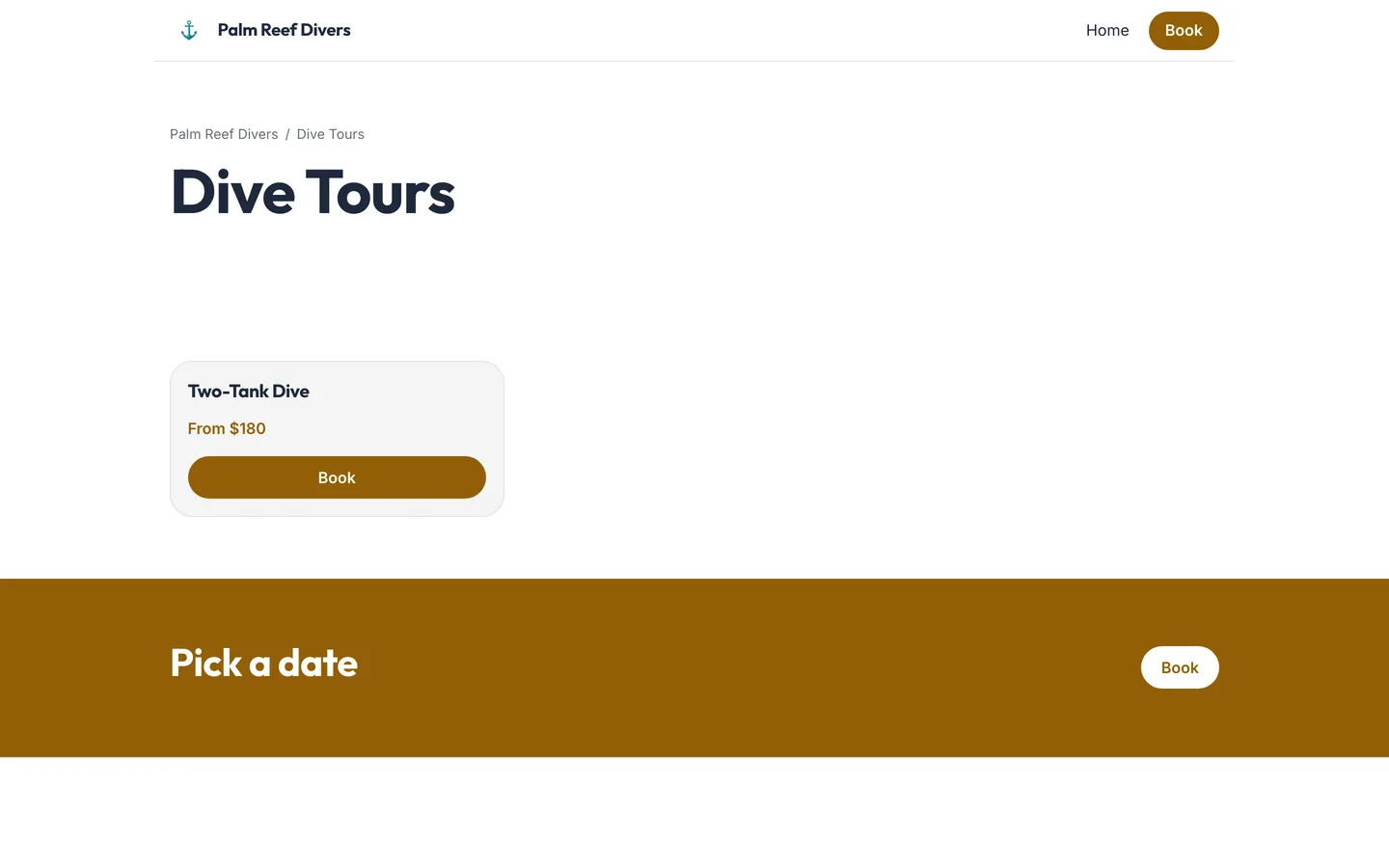
- Activities read from the catalogue, filtered to what is bookable online
- A page per category, at its own address
- A draft nobody sees, a preview link you can send, and a way back to an earlier version
- A contact form that reaches the email address your shop already uses
- Three embed snippets for a site you already have: an iframe, a button that opens a window, a plain link
- An embed link that opens on one activity or one departure
- The widget takes its colour from the shop, so a snippet never needs re-pasting
On the screen
Questions about website builder
Related
Online booking
A guest sees the seats left on each departure, pays the deposit by card, and gets a confirmation with a Booking ID on it. An unpaid seat is released automatically and goes back on sale.
Learn moreGroup bookings
A printed QR code books a named departure and leaves the money to be paid at your counter. One payment against the Booking ID is split across its activities.
Learn moreClient records
Certification, gear sizes, dive history, waivers signed and every Booking ID, before they walk in.
Learn moreWebsite builder. Set it up today; it runs on tomorrow's departures.
Free to start